
What Are Negative Keywords in Google Ads? (Complete Guide)

Introduction
You are running Google Ads, spending money every day, but the clicks are not converting. You check your search terms report and discover your real estate agency’s ads are showing up for searches like ‘free real estate courses’ or ‘real estate jokes’.
This is a very common and very expensive problem. And the solution is negative keywords.
In this guide, you will learn exactly what negative keywords are, how they save your budget, and the step-by-step process to find and add them to your campaigns.
What Are Negative Keywords?
Negative keywords are words or phrases that you add to your Google Ads campaign to PREVENT your ads from showing up for those searches. They are the opposite of regular keywords.
When someone’s search includes one of your negative keywords, Google will not show your ad — saving you from paying for a click that was never going to convert.
Why Are Negative Keywords Critical?
- They prevent irrelevant clicks that waste your budget
- They improve your Click-Through Rate (CTR) by showing ads to more relevant audiences
- They improve your Quality Score, which lowers your Cost Per Click
- They improve conversion rates because the right people see your ads
The Three Types of Negative Keyword Match Types
1. Negative Broad Match (Default)
This is the default type when you add a negative keyword. Your ad will NOT show if a search query contains ALL the words in your negative keyword (in any order).
Example: Negative keyword ‘free shoes’. Your ad won’t show for ‘free blue shoes’ or ‘shoes for free’ — but could still show for ‘cheap shoes free shipping’ because ‘free’ and ‘shoes’ are not both the main intent of that search.
2. Negative Phrase Match
Add a negative phrase match by wrapping the keyword in quotes: ‘free shoes’. Your ad will NOT show if the search contains that exact phrase in that order.

Example: ‘free shoes’ as a negative phrase match means your ad won’t show for ‘best free shoes online’, but could still show for ‘shoes free delivery’ because the phrase ‘free shoes’ is not in that search in that order.
3. Negative Exact Match
Add by wrapping in square brackets: [free shoes]. Your ad will NOT show if someone searches for that exact phrase with nothing else.
How to Find the Right Negative Keywords
Method 1: Search Terms Report (Most Important)
- Go to your Google Ads campaign
- Click ‘Keywords’ in the left menu
- Click ‘Search Terms’ tab
- Look for searches that are irrelevant to your business
- Click the checkbox next to irrelevant terms
- Click ‘Add as negative keyword.’
This report shows you exactly what people typed before they clicked your ad. Review it weekly — especially in the first 30 days of a new campaign.
Method 2: Common Negative Keywords List
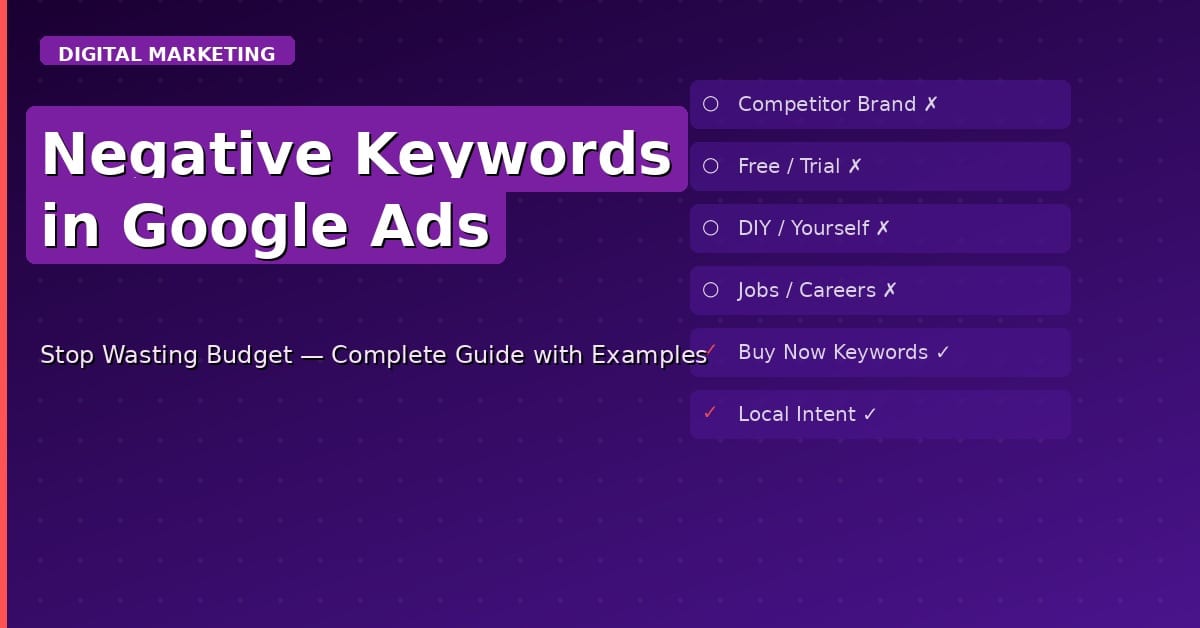
Before launching any campaign, add these standard negative keywords:
- ‘free’ — if you are selling a paid service or product
- ‘jobs’, ‘careers’, ‘salary’ — to avoid job seekers
- ‘course’, ‘tutorial’, ‘how to’ — if you want buyers, not learners
- ‘DIY’, ‘yourself’ — if you want professional service, buyers
- Competitor brand names — unless you are running a competitor campaign
Method 3: Use Keyword Research Tools
Use tools like Google Keyword Planner or Ubersuggest to find related keywords and then identify which ones are NOT your target audience.
Real Example: Negative Keywords for a Real Estate Agency in India
Campaign: ‘Buy Flats in Hyderabad’
- Negative Keywords: ‘free’, ‘rent’, ‘job’, ‘careers’, ‘course’, ‘DIY’, ‘calculator’, ‘news’, ‘Wikipedia’, ‘salary’, ‘2BHK for rent’, ‘rental agreement.’
Without these negatives, your ad would show for people looking to rent, not buy — wasting your entire budget on the wrong audience.
How to Add Negative Keywords in Google Ads
- Go to your Google Ads account
- Click on the campaign or ad group you want to edit
- In the left menu, click ‘Keywords.’
- Click ‘Negative keywords’ tab
- Click the blue ‘+’ button
- Choose ‘Add negative keywords.’
- Enter each negative keyword (one per line)
- Select Campaign level or Ad Group level
- Click Save
Tip: Use Campaign-level negatives for keywords that should never trigger any ad in the campaign. Use Ad Group-level negatives for more specific exclusions within that group.

Negative Keyword Lists
If you have multiple campaigns with the same negative keywords, create a Negative Keyword List in the Shared Library. Apply one list to multiple campaigns instead of adding the same keywords repeatedly.
Frequently Asked Questions
How many negative keywords should I have?
There is no fixed number. A well-managed campaign typically has 100–300 negative keywords after a few months of optimization. Start with 20–30 common ones and build the list from your Search Terms Report.
Can negative keywords hurt my campaign?
Yes, if you add keywords that are too broad, you may block relevant traffic. Always review negative keywords carefully before adding them.
Conclusion
Negative keywords are not optional — they are essential for profitable Google Ads campaigns. Every rupee or dollar you save from an irrelevant click is a rupee that can go towards a better-qualified lead.
Start by reviewing your Search Terms Report today. Add the obviously irrelevant terms as negatives. Build your list weekly. Your Cost Per Conversion will drop, and your ROI will rise.


